How upload built file to S3 bucket in Bitbucket pipeline
 Rez Moss
1 min read
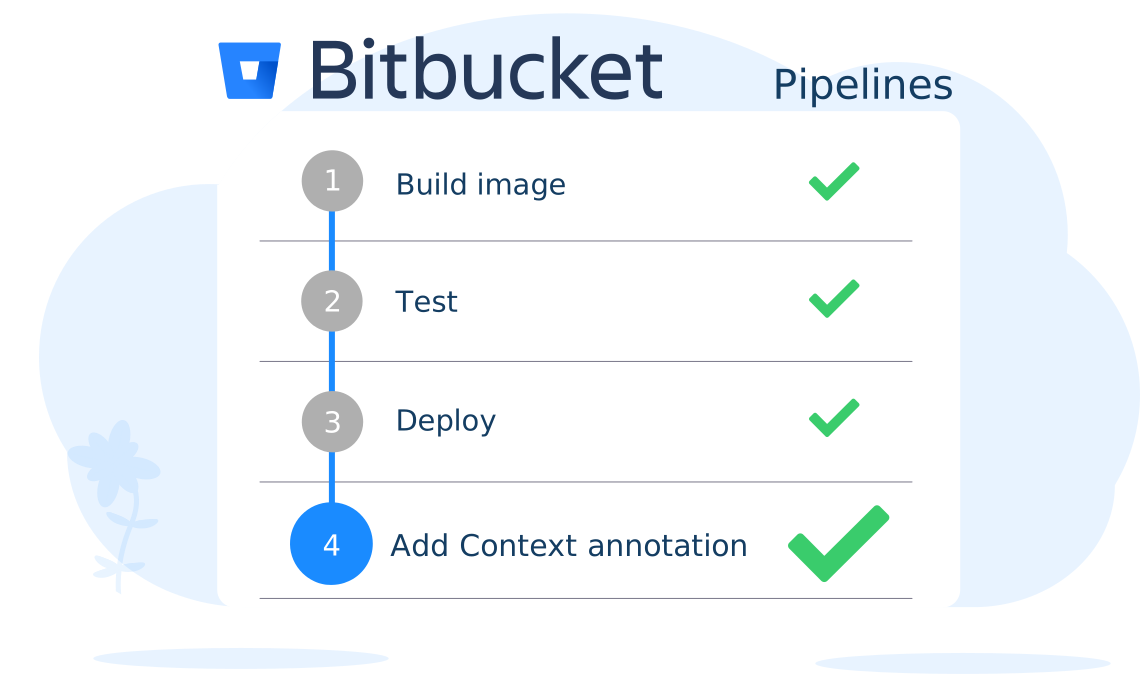
1- Create a bitbucket-pipelines.yml file in your Bitbucket repo.
2- Add this configuration:
            image: node:16

            pipelines:
            default:
                    - step:
                        name: Build App
                        caches:
                        - node
                        script:
                        - echo "Building App"
                        - yarn
                        - yarn build
                        artifacts:
                        - build        #Move build folder to next step
                        - build/**
                    - step:
                        name: Zip build folder
                        image: atlassian/default-image:3
                        caches:
                        - node
                        script:
                        - zip -r pkg.zip ./build
                        artifacts:
                        - pkg.zip  #Move pkg.zip to next step
                    - step:
                        name: Upload to S3
                        deployment: staging
                        image: atlassian/pipelines-awscli
                        caches:
                        - node
                        script:
                        - aws s3 cp pkg.zip s3://MY-BUCKET/   #Copy pkg.zip to S3 bucket
3- Go to Settings => Deployments => Staging and add your AWS credentials as secured variables:
        AWS_ACCESS_KEY_ID
        AWS_SECRET_ACCESS_KEY
        AWS_DEFAULT_REGION
4- Push a commit to your repo. The pipeline builds the app and uploads pkg.zip to your bucket.