From Docker to AWS ECS, Transitioning and Scaling with Elastic Container Service
 Rez Moss
3 min read
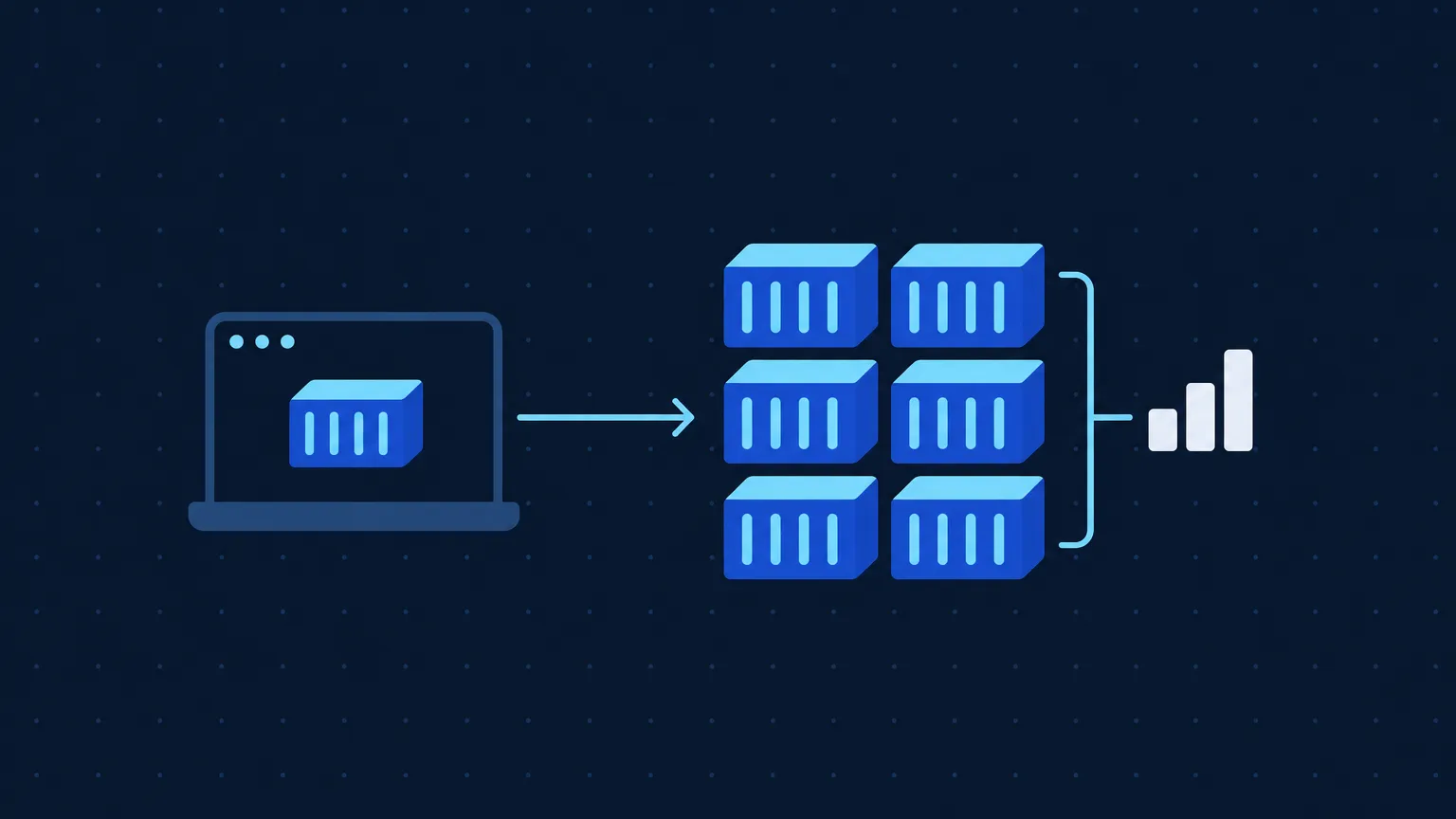
Docker makes containers easy to build and run. Managing dozens or hundreds of them by hand gets hard as you grow. Amazon Elastic Container Service (ECS) runs, scales, and manages Docker containers for you. This post covers the differences, the migration steps, and what ECS gives you once you’re on it.
Understanding the Basics: Docker vs. AWS ECS
Docker: The Building Block
Docker packages an application and its dependencies into a single container, so it runs the same way in every environment. That ends most “it works on my machine” problems and makes deployments more predictable.
AWS ECS: The Evolution
Docker handles packaging. Once you run many containers, you also need something to schedule, restart, and monitor them. ECS is a container orchestration service built on Docker that gives you:
- Scalability: Handle thousands of containers
- Management: Centralized service to manage and monitor containers.
- Integration: Direct connection with other AWS services.
Docker builds and runs containers; ECS orchestrates and manages them at scale.
Transitioning to AWS ECS: The Step-by-Step Process
Step 1: Setting up the ECS Environment
Create an ECS cluster in the AWS Management Console. A cluster is a logical grouping of tasks and services.
Step 2: Define Task Definitions
A task is the ECS counterpart of a running Docker container. In the task definition, you set the Docker image, memory, CPU, ports, and other configuration.
Step 3: Create a Service
An ECS service keeps a set number of tasks running. If a task fails, the service scheduler starts a replacement to hold the desired count.
Step 4: Set up Load Balancers (Optional but Recommended)
A load balancer spreads traffic across your tasks. ECS integrates directly with the Application Load Balancer (ALB).
Step 5: Monitor with CloudWatch
Amazon CloudWatch monitors ECS tasks, services, and container instances, so you can track performance and catch problems early.
Using ECS for Scalability and Efficiency
Scaling with ECS
Scalability is a main reason teams move to ECS. You scale out by adding tasks and scale in by removing them, with no downtime.
Efficient Resource Utilization
AWS Fargate is a serverless compute engine for containers that works with ECS. With Fargate, you manage tasks and AWS manages the underlying instances, so you stop paying for half-empty hosts.
AWS Integrations
ECS connects to services like AWS Lambda, Amazon RDS, and AWS VPC, so your containers can use the rest of your AWS stack without extra glue.
Security with ECS
You can assign IAM roles to ECS tasks and control traffic between tasks with security groups.
Docker gives you portable containers. ECS adds the scheduling, scaling, and AWS integration you need to run them in production.