Understanding AWS Lambda Pricing - A Comprehensive Breakdown
 Rez Moss
5 min read
Introduction to AWS Lambda
AWS Lambda runs your code in response to events and manages the compute underneath it. You don’t provision or patch servers, and you pay only while your code runs. That makes it a popular choice for teams that want to cut operational overhead.
The pricing is harder to predict than a flat hourly rate. Your bill depends on how many requests you serve, how long each one runs, and how much memory you give the function, so estimates take some work.
This post covers the basic pricing components, the extra costs that come with container images and function configuration, how Lambda compares with EC2, and strategies to keep costs down.
Basic Pricing Structure of AWS Lambda
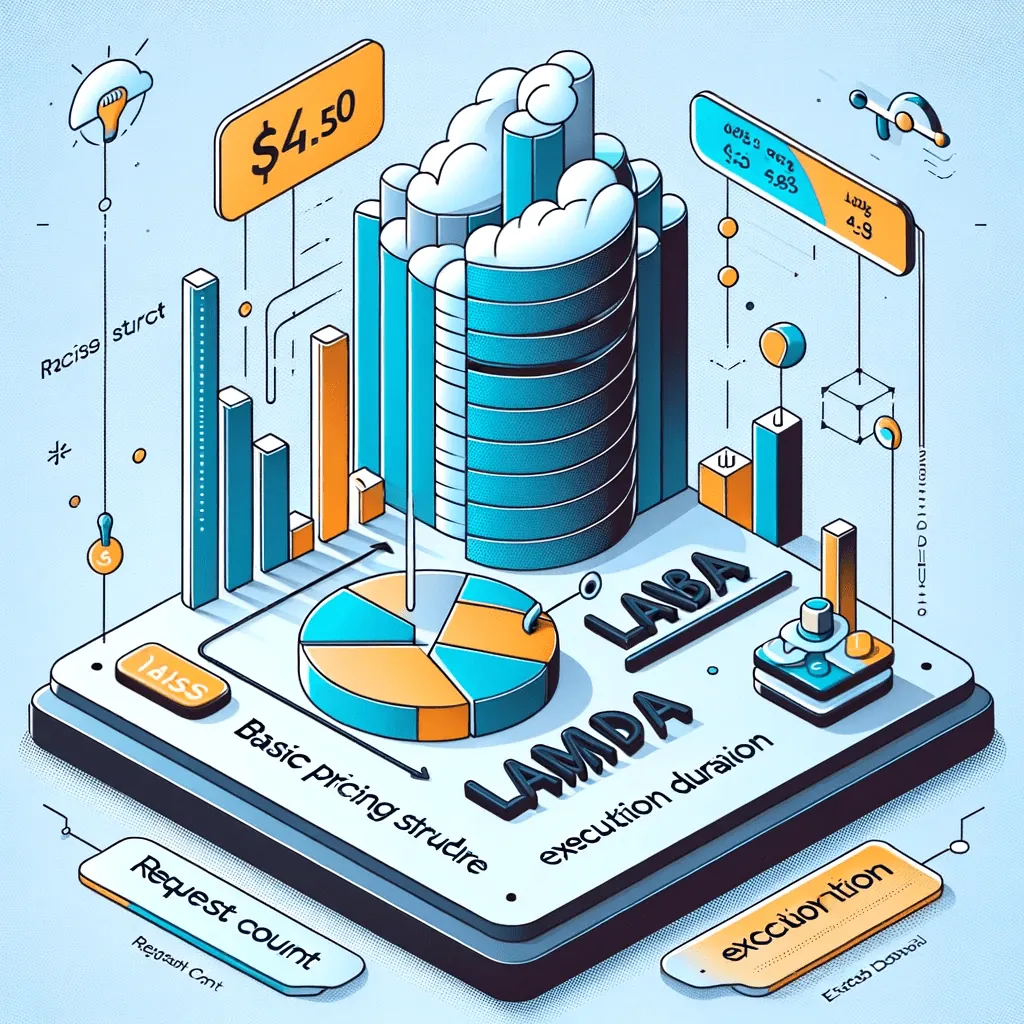
Lambda charges for two things: the number of requests and the duration of execution.
Request Count:
You pay a small fee per request. Lambda counts a request each time your function runs in response to an event, such as an HTTP request through Amazon API Gateway or a new file upload to Amazon S3. Costs track usage, which suits applications with irregular traffic.
Execution Duration:
Lambda measures duration from the moment your code starts executing until it returns or otherwise terminates, rounded up to the nearest 1ms. The rate depends on how much memory you allocate to the function. You pay nothing for idle time between invocations.
Lambda saves the most when traffic is unpredictable. You pay for the compute time you use, with no upfront costs or commitments. With traditional servers, you pay by the hour whether the machine is busy or idle.
Additional Costs: Understanding AWS Lambda Docker and Function Expenses
Request count and duration make up most of the bill, but container images and function configuration add their own cost factors.
AWS Lambda Docker Costs:
Lambda supports container images as a packaging format, so you can ship your function code and dependencies in an image up to 10 GB. Larger images tend to mean longer cold starts and more compute time, which raises costs. Keep images small and trim what you package.
Lambda Function Costs:
Each function’s cost comes from its runtime, memory allocation, and number of executions. More memory costs more per millisecond but can shorten execution time, so test a few memory settings to find the cheapest combination of memory and speed.
Functions that run often or for a long time cost the most. Monitor them and tighten their code: refactor hot paths, cut external dependencies, and use efficient algorithms. Shorter runs mean a smaller bill.

Cost Comparison: AWS Lambda vs Traditional Cloud Services
Comparing Lambda with Amazon EC2 (Elastic Compute Cloud) makes the trade-offs clearer:
Pricing Model:
EC2 charges for compute capacity by the hour whether you use it or not, so you pay for idle time. Lambda charges per request and per unit of execution time. For applications with variable traffic, that difference can add up to large savings.
Scaling Costs:
To handle more load on EC2, you provision more instances and pay for them. Lambda scales by running more copies of your function, and you pay only while they run. You also skip manual scaling work, which is slow and error-prone.
Operational Overhead:
EC2 instances need patching, monitoring, and scaling, and that work costs staff time. Lambda handles the infrastructure, including maintenance and scaling. Small teams with limited staff benefit the most.
Performance Efficiency:
Lambda allocates resources per invocation, so you don’t pay for idle capacity. With EC2, unless you manage capacity closely, you either overprovision (higher costs) or underprovision (poor performance).
Lambda is not always cheaper. Long-running applications with steady traffic often cost less on EC2. Look at your workload’s runtime and traffic pattern before you choose.

Cost Management Strategies
These strategies reduce Lambda spend:
Optimize Function Execution Time:
You pay for every millisecond your function runs. Simplify your code, remove unnecessary dependencies, pick a fast runtime, and use asynchronous processing where you can.
Adjust Memory Allocation:
Memory allocation drives part of the price. If you’ve given a function more memory than it needs, you pay for the excess. Tune the setting until you hit the performance you need at the lowest cost.
Use Efficient Triggers:
Every unnecessary invocation costs money. Set precise trigger conditions in Amazon S3 or DynamoDB so functions run only when they need to.
Utilize AWS Free Tier:
The Lambda free tier includes 1 million free requests per month and 400,000 GB-seconds of compute time per month. Small applications and dev/test workloads can often run within those limits at no cost.
Monitor and Analyze with AWS Tools:
Amazon CloudWatch and AWS Cost Explorer show invocations, execution times, and costs per function. Review them regularly to find the functions worth optimizing.
Implement Architectural Best Practices:
Split large functions into smaller ones and reuse connections (e.g., database connections) across invocations. Both improve performance and lower costs.
Future of AWS Lambda Pricing
Lambda pricing will likely keep changing as AWS adds features and responds to customers. A few directions seem plausible:
Increased Emphasis on Performance Optimization:
AWS could add pricing tiers that reward efficient functions with lower rates.
More Flexible Pricing Models:
AWS might offer packages for specific workload types, such as high-frequency short functions or long-running, resource-heavy tasks.
Integration with Emerging Technologies:
As AWS ties Lambda more closely to machine learning and IoT, it may introduce pricing aimed at those workloads, for example based on model complexity or device interaction volume.
Enhanced Cost Management Tools:
Expect more granular cost reporting and forecasting, possibly with AI-driven tools that optimize costs automatically.
Community Feedback and Adjustments:
AWS has changed pricing and services in response to customer feedback before, and will likely keep doing so to stay competitive.
Check the AWS Lambda pricing page and announcements periodically so changes don’t catch you off guard.
Conclusion
Lambda bills you for requests and execution time, scaled by memory. It costs less than EC2 for spiky or low-volume workloads and can cost more for steady, long-running ones. To keep the bill down, shorten execution time, right-size memory, tighten triggers, use the free tier, and watch CloudWatch and Cost Explorer.